Using AI Responsibly at Work:
A Course for Navigating AI in Everyday Tasks
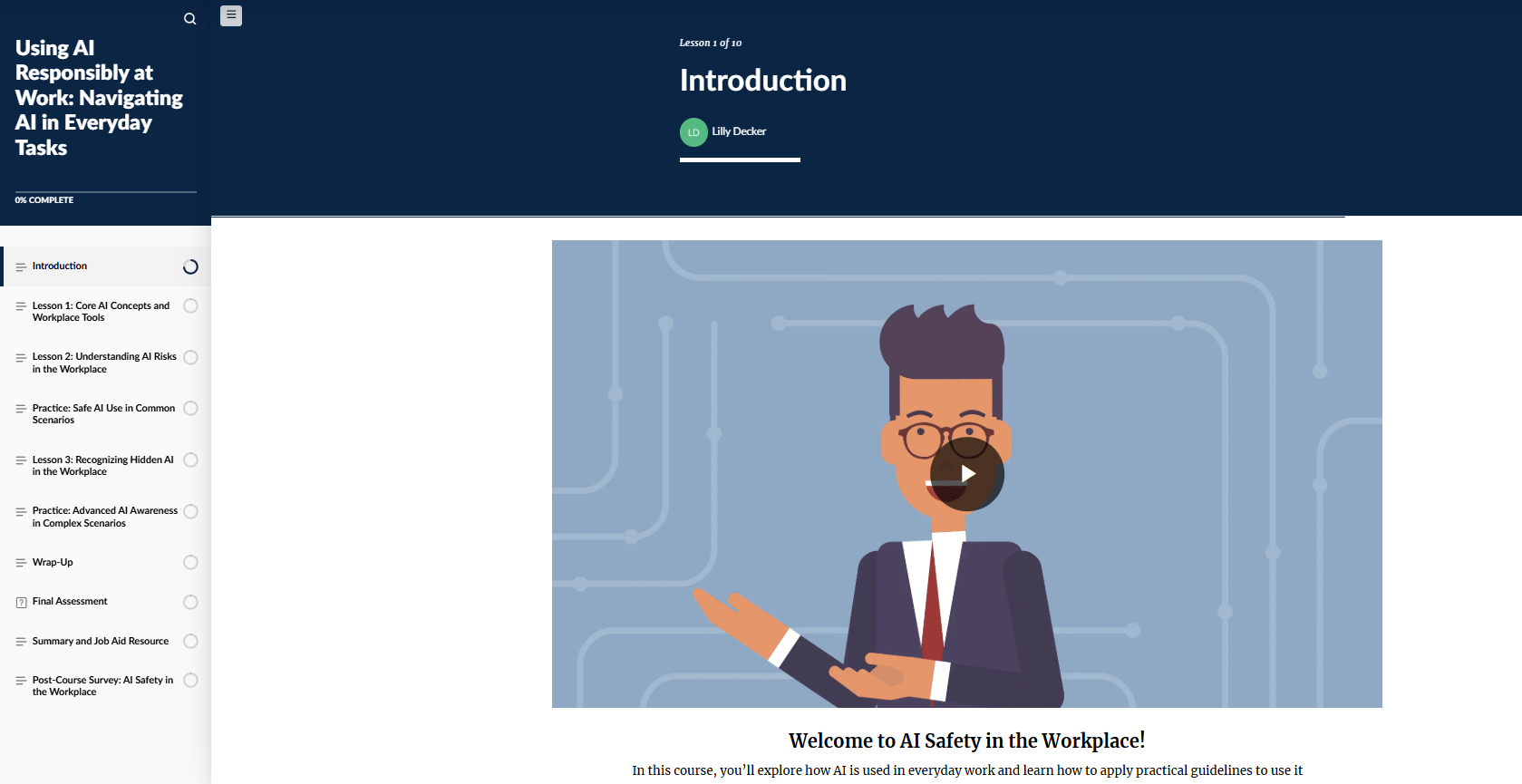
This course uses scenario-based learning to help professionals recognize and use AI responsibly in the workplace. Learners engage with realistic situations, including hidden and embedded AI in common tools, and receive immediate feedback to practice making informed, responsible decisions.
-
After completing this course, learners will be able to
Recognize how AI shows up in their day-to-day work, both the tools they actively use and the systems working behind the scenes
Use AI more responsibly by applying key safety practices, like protecting sensitive information, checking for accuracy, and being aware of bias
Pause and evaluate AI-generated content or recommendations so they can make informed decisions instead of relying on them automatically
-
Professionals who handle workplace communications and want to use AI tools responsibly and effectively. Ideal for employees in corporate training programs focused on professional communication and digital skills.
-
Instructional Design
Action Mapping
Storyboarding
Visual Design
Prototyping
Authoring
eLearning Development
Interactive Module Development
Scenario-Based Learning Design
Multimedia Integration
Responsive eLearning Design
Assessment Development
-
Articulate Storyline and Rise 360
Vyond
Canva
Figma
Google Docs
Google Forms
ChatGPT
GitHub
The Problem
The rapid adoption of AI tools in the workplace has increased efficiency but also introduced new risks. Employees are using AI for tasks such as writing, summarizing, and decision support, often without formal training on safe and appropriate use.
While basic guidance exists, employees are not consistently trained to recognize risks such as inaccurate outputs, data privacy concerns, bias, or AI embedded within workplace systems. This can lead to an over-reliance on AI and inconsistent decision-making.
There is a need for training that helps employees identify both obvious and less visible AI use in real workplace scenarios.
The Solution
After analyzing the need for consistent, widely accessible AI safety training and the requirement for ongoing reinforcement, I determined that a scenario-based eLearning solution would best support the project goal.
Because AI use in the workplace is continuous and embedded into everyday tools, a traditional in-person instructor-led training approach was not ideal due to limited reach and the difficulty of reinforcing concepts over time. A virtual instructor-led training option was also considered but ultimately ruled out, as it would require scheduled sessions that do not align well with how employees encounter and use AI tools in real time. In both cases, there would be limited flexibility for learners to revisit content when making day-to-day decisions about AI use.
Based on these factors, I selected a self-paced eLearning solution built in Articulate Rise with integrated Storyline modules and supporting Vyond videos.
The course begins with foundational AI concepts and safety principles, then moves into a guided Storyline scenario focused on common workplace applications such as email drafting and summarization. A second Storyline module extends learning into less obvious AI use cases, requiring learners to evaluate AI’s influence in embedded systems such as hiring tools and performance summaries.
This approach allows learners to practice decision-making in realistic, ongoing workplace contexts while reinforcing critical thinking and responsible AI use. A downloadable job aid supports continued application after the course.
My Process
I used the ADDIE model to guide the development of this project, starting with analysis to define a clear performance goal and map the key actions employees must take to use AI responsibly. I then designed a focused, scenario-based solution targeting three high-impact behaviors. During development, I created a text-based storyboard, produced Vyond videos, and built the interactive course in Rise. I refined the experience through iterative feedback and visual adjustments, ensuring alignment between the learning activities and real-world application.
Action Map
I developed an action map centered on a measurable performance goal, identifying ten key actions that branch into more specific, observable behaviors. This structure ensures each action directly supports responsible AI use in real workplace scenarios. To maintain focus and avoid overwhelming learners, I prioritized three high-impact actions to guide the training design, creating a targeted and behavior-driven learning experience.

Text-Based Storyboard
After developing the action map, I moved into the design phase by creating a text-based storyboard to outline the learning experience. I designed scenario-based interactions that reflect realistic workplace situations where AI may be used directly or embedded within tools. Each scenario was written in a natural, professional tone to mirror day-to-day workplace decision-making.
As learners progress, they are presented with decision points that require them to evaluate how AI is being used and choose how to respond. Each scenario includes one best choice and two plausible distractors, encouraging thoughtful consideration rather than obvious selection.
Learners receive immediate feedback on their choices, allowing them to reflect and adjust their thinking in a low-risk environment. This approach reinforces the connection between their decisions and real-world outcomes, while building awareness of how AI can influence workplace tasks in less visible ways.


Visual Mockups
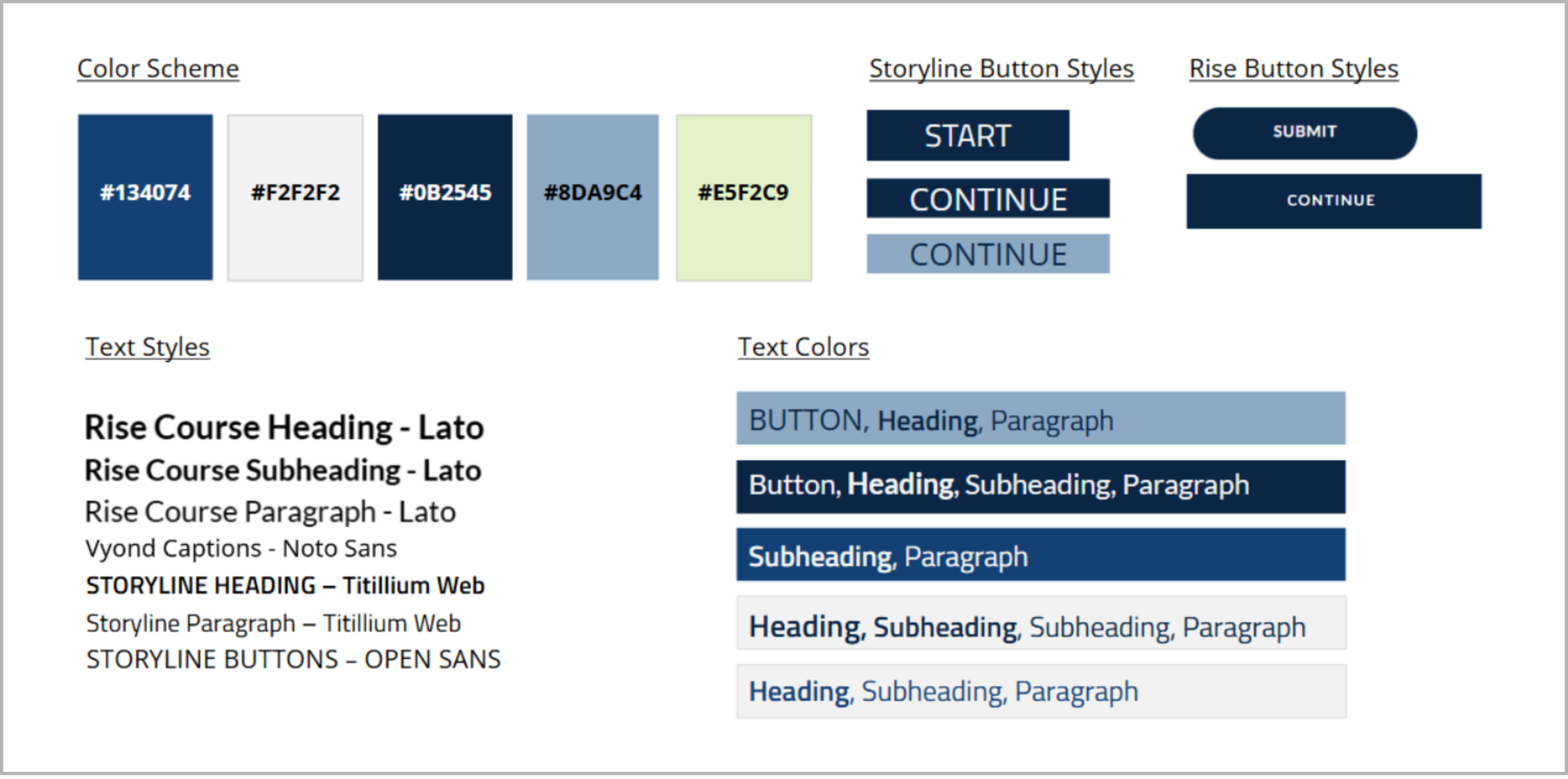
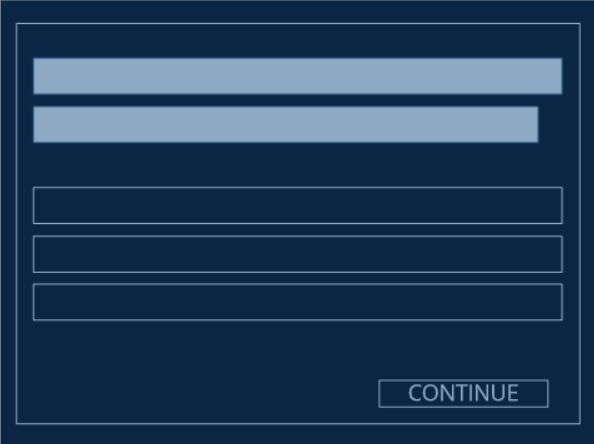
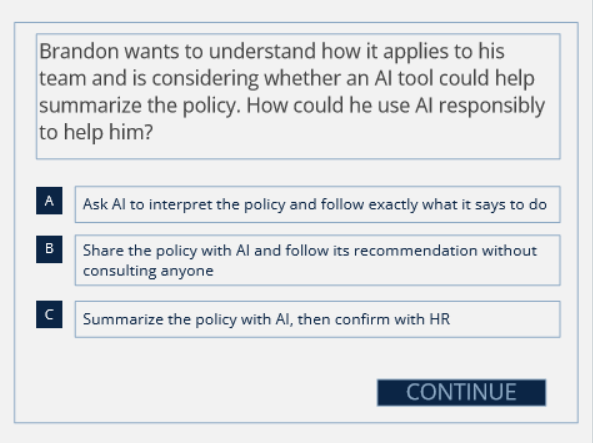
After finalizing the storyboard, I moved into the visual design phase by creating wireframes, a mood board, and an initial style guide to establish the overall look and feel of the project. I developed the visual mood board using Canva and Storyline to explore layout direction, color palette, and overall tone. I also created wireframes to map the layout and structure of each slide before moving into full visual design, which helped ensure consistency and refine the placement of content and interactions early in the process.
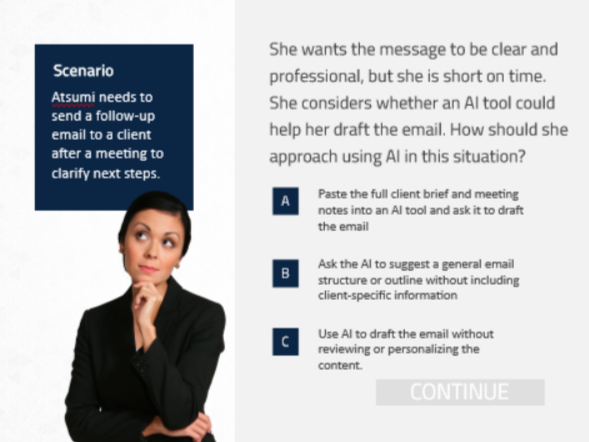
As I created the visual mockups, I focused on a clean, modern design that reflects a professional workplace environment. I used consistent typography, color choices, and layout patterns to support readability and maintain a cohesive experience. Visual elements were intentionally simple and structured to keep the focus on decision-making and scenario interactions.
Throughout the process, I used a variety of accessibility checkers to evaluate color contrast, font readability, and overall visual clarity. This ensured that all design elements were accessible and easy to engage with across the course.
Question Wireframe
Question Basic Mockup
Question High-Fidelity Mockup
Interactive Prototype
Using the text-based storyboard and visual mockups, I developed an interactive prototype in Articulate Storyline 360 to bring the learning experience to life. This allowed me to test functionality, refine interactions, and ensure the design translated effectively into the development environment.
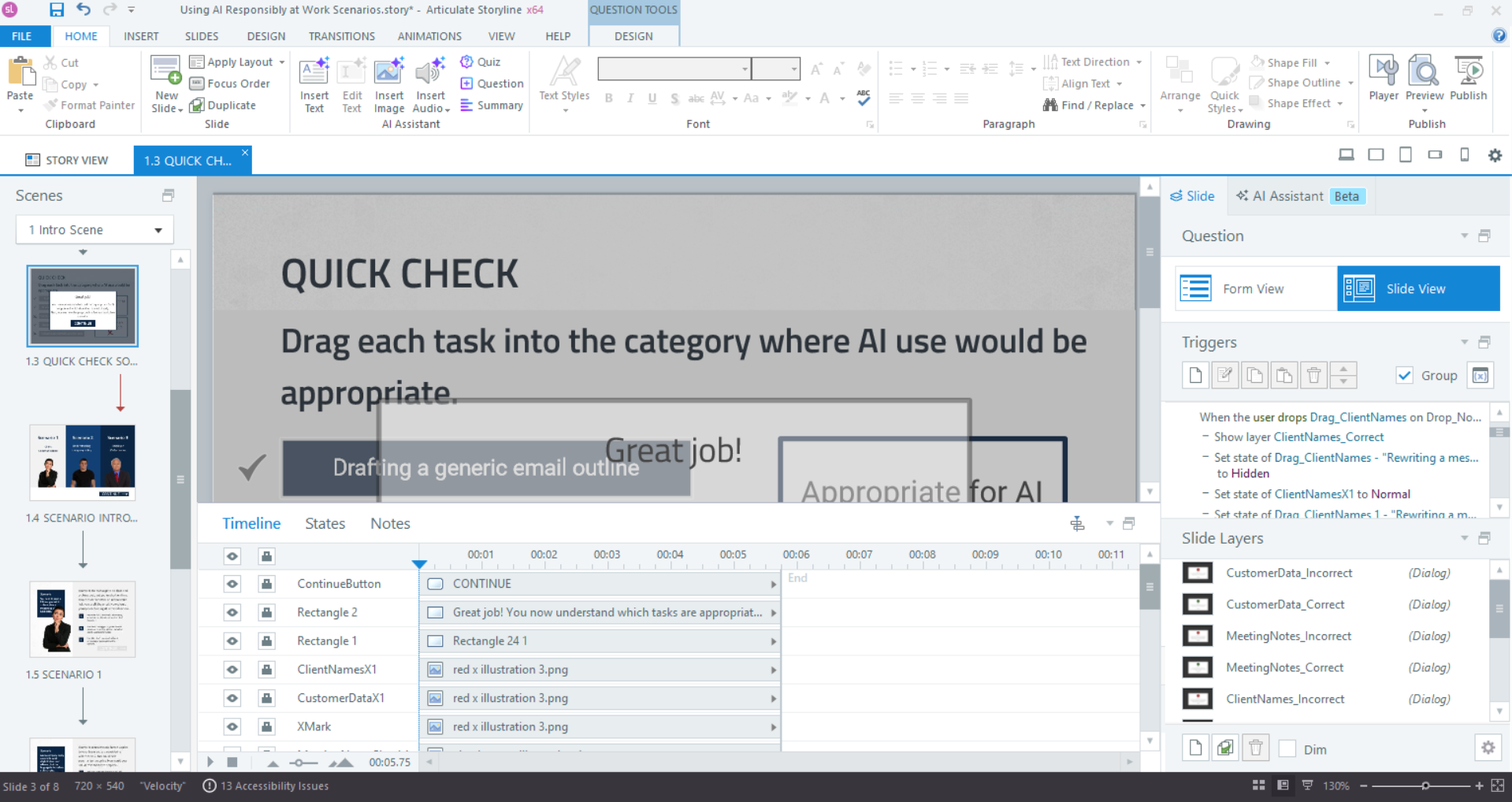
Within Storyline, I built key portions of the course, including scenario-based interactions, feedback layers, and navigation. I focused on creating a smooth user experience through consistent layout, clear progression, and intuitive interactions. Triggers and states were used to control learner choices, provide immediate feedback, and guide users through each scenario.
The prototype also allowed me to evaluate the overall flow of the experience and make adjustments to pacing and clarity. I paid close attention to how learners would engage with each interaction, ensuring that decision points felt natural and that feedback supported reflection without interrupting the experience.
Accessibility remained a priority throughout development. I incorporated readable text, clear contrast, and accessible navigation patterns to ensure the experience was inclusive and easy to follow.
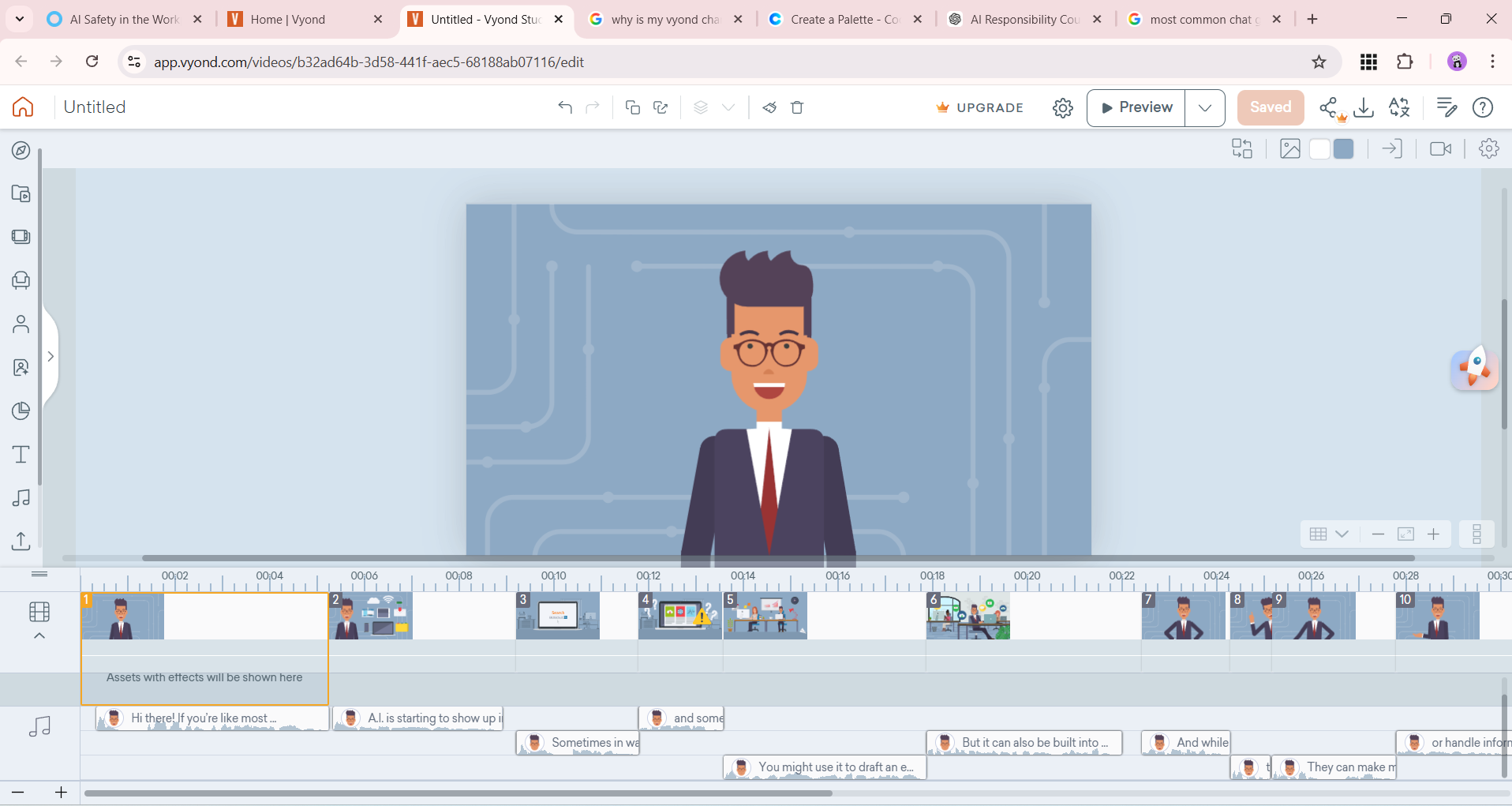
Creating in Vyond
Developing in Storyline
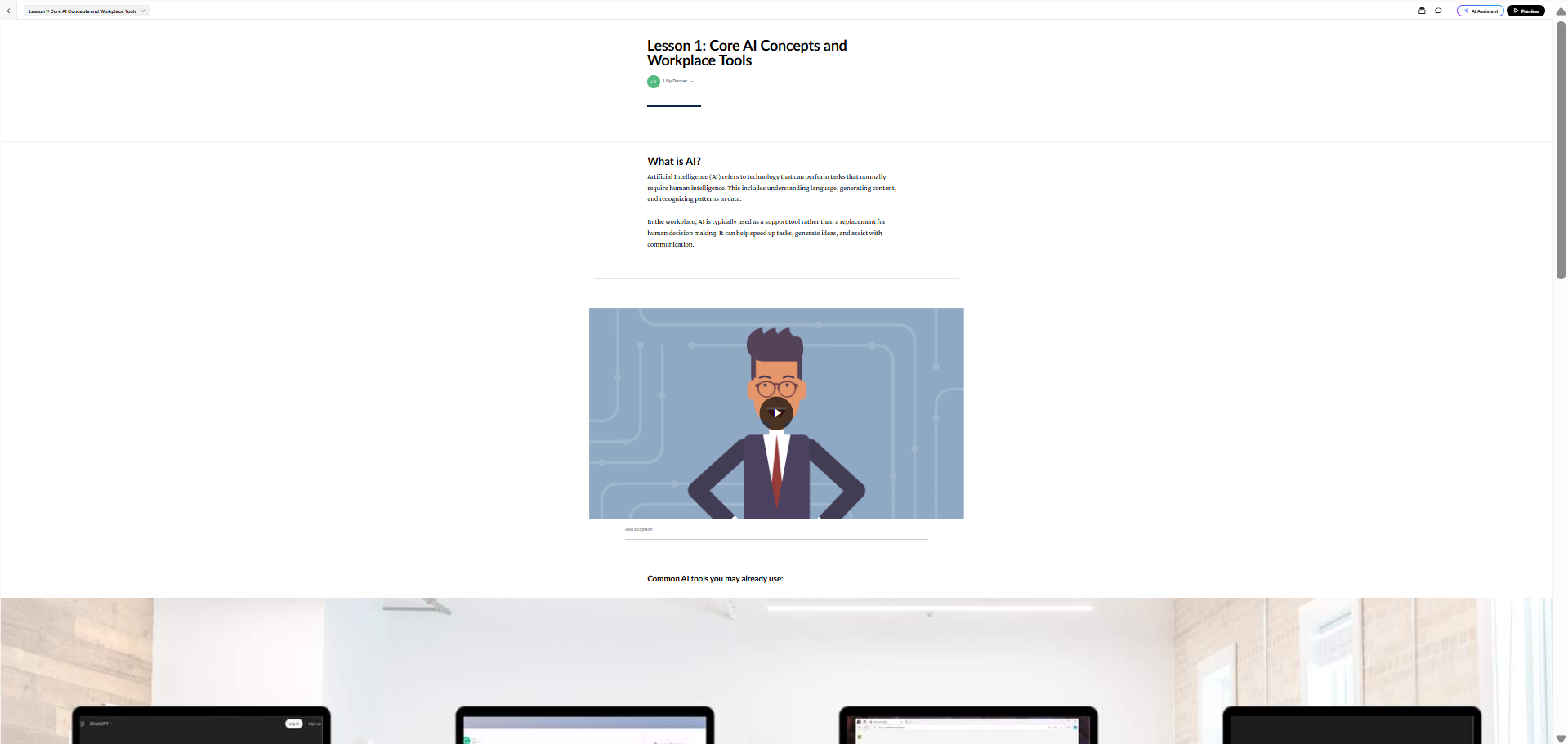
Building in Rise
Full Development
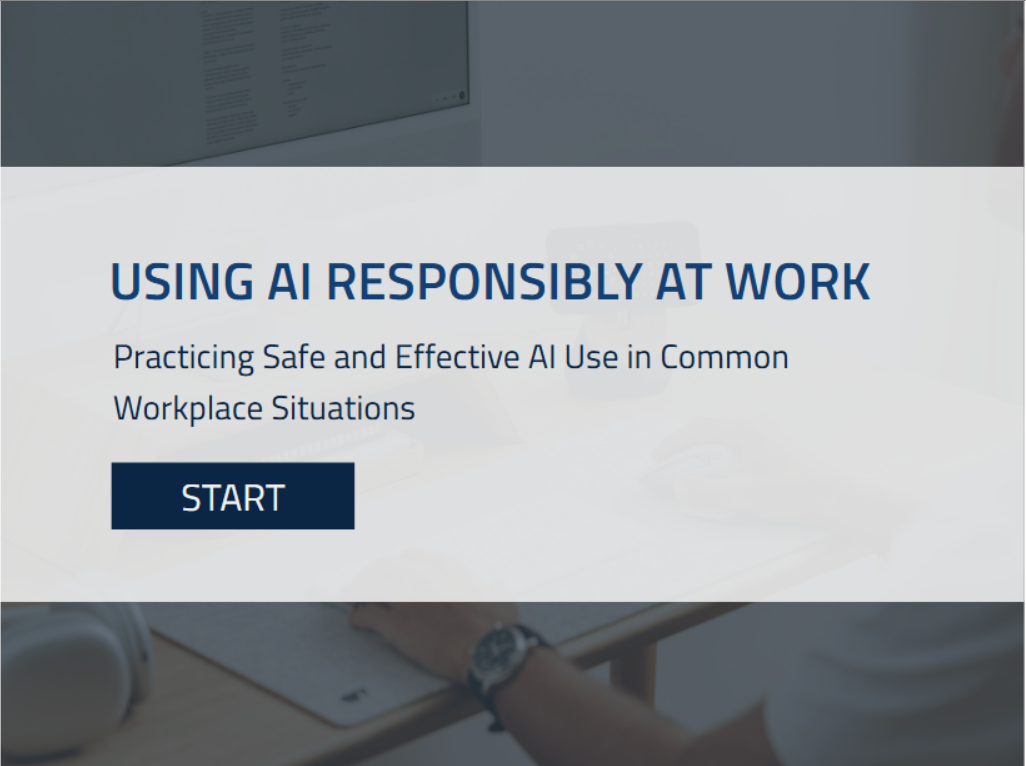
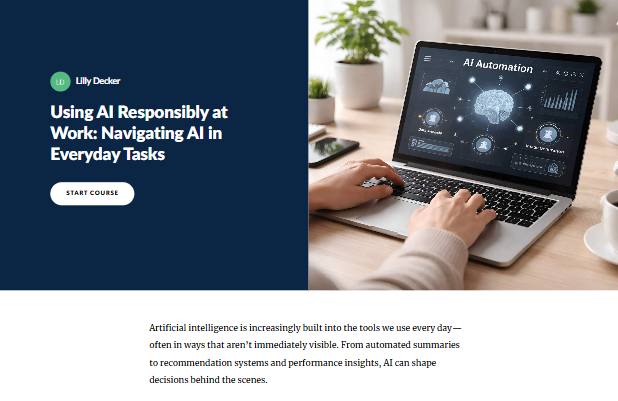
After refining the interactive prototype and incorporating feedback, I moved into full development of the eLearning module using both Articulate Storyline 360 and Rise 360. This stage focused on building out the complete learner experience and ensuring all interactions, content, and design elements functioned smoothly together.
In Storyline, I finalized the scenario-based interactions, feedback layers, and branching logic, ensuring consistent behavior across all decision points. I refined triggers, states, and navigation to create a seamless and intuitive user experience that supported learner decision-making throughout each scenario.
In Rise, I structured the supporting content to align with the interactive scenarios, providing clear context and reinforcing key concepts around hidden AI use in workplace tools. I focused on maintaining a clean, accessible layout that supported readability and guided learners through the material in a logical flow.
Throughout development, I ensured consistency between both tools so that the interactive practice in Storyline was clearly supported by the foundational content in Rise. The result is a cohesive learning experience that connects conceptual understanding with real-world application.
Results and Takeaways
For this project, I plan to evaluate effectiveness using the Kirkpatrick Model to better understand how learners engage with and apply concepts related to hidden AI in workplace tools.
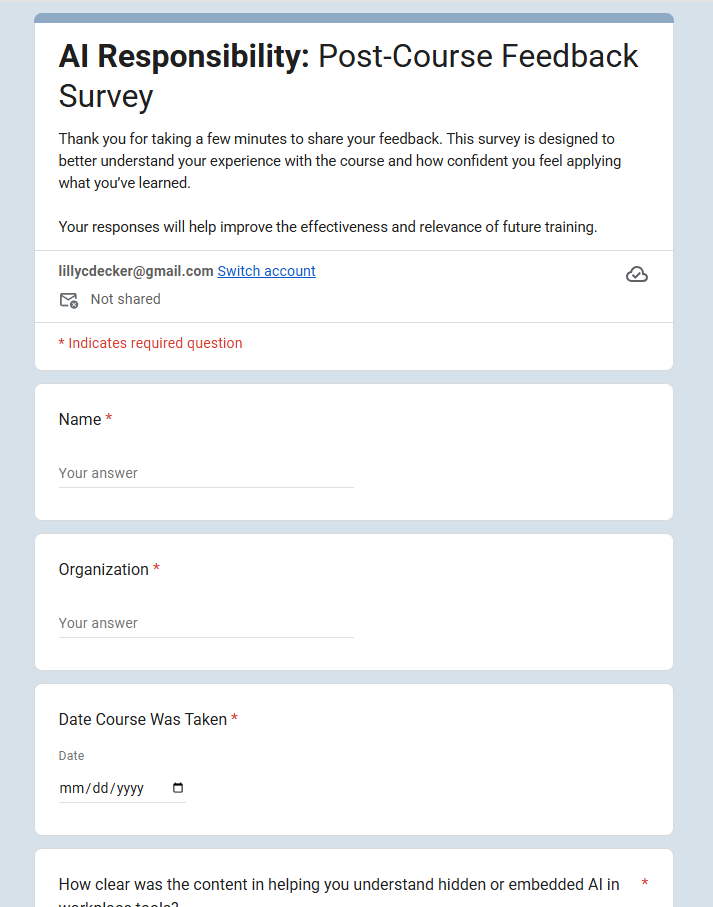
Level 1: Reaction will be measured through a post-course survey delivered via a Google Forms link at the end of the Rise module. This survey will collect learner feedback on clarity, relevance, and confidence in identifying hidden AI use in workplace tools, as well as their perception of the scenarios and overall learning experience.
Level 2: Learning will be captured directly within Articulate Storyline through the scenario-based interactions. Learner selections, response accuracy, and feedback progression can be tracked to evaluate their ability to recognize embedded AI in tools such as recommendations, automated summaries, and decision-support systems. In Rise, knowledge checks and reflection prompts further reinforce this understanding.
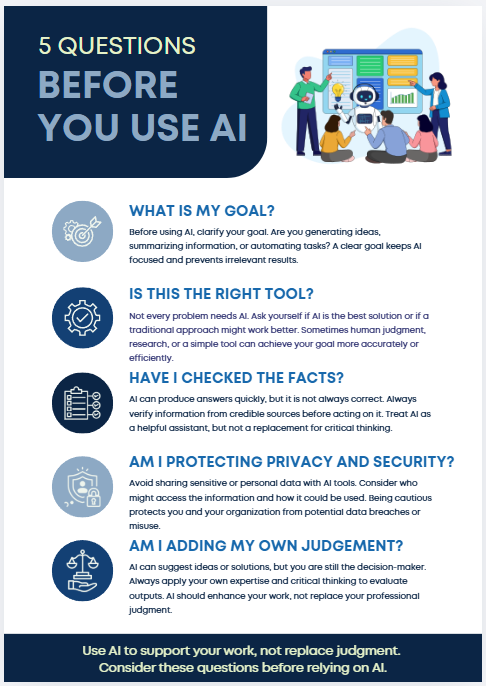
Additionally, a downloadable job aid is included to reinforce key concepts and support learners in identifying hidden AI use during real workplace tasks. This job aid helps bridge the gap between training and on-the-job application by providing a quick reference for identifying embedded AI in common workplace systems.
Level 3: Behavior would be evaluated in a workplace setting by observing whether learners apply these concepts when interacting with AI-influenced outputs. This could include follow-up assessments or manager observations focused on how often employees verify system-generated information before making decisions in areas such as reporting, hiring, or performance review processes.
Level 4: Results would focus on broader organizational impact, such as improved decision accuracy and more consistent verification of AI-influenced outputs. While Rise and Storyline capture individual learning data, longer-term results could be supported by aggregated course analytics (completion rates, quiz performance, and interaction data) alongside qualitative feedback from stakeholders on workflow quality and decision reliability.